
.webp)
.webp)

Download RememBear APK – Free, Secure Password Manager for Android and iOS
Overview
RememBear is a free, centralized password management tool designed to help users securely store and retrieve sensitive login credentials. The software functions as a personal password database, enabling users to organize and access passwords for email accounts, social media platforms, online banking, and credit card payments. By consolidating credentials in a single, encrypted location, RememBear helps prevent password loss and reduces the risk of using weak or reused passwords. The application is particularly useful for individuals who manage multiple online accounts and need a reliable way to maintain strong security practices.
Target users include everyday consumers, digital nomads, and professionals who prioritize data privacy and convenience. The software is developed by a team of cybersecurity experts and has undergone independent third-party testing, which supports its reliability and security posture. RememBear operates as a cloud-based system, allowing access across multiple devices using the same login credentials. This cross-device accessibility ensures that users can retrieve their passwords whether they're on a smartphone, tablet, or browser extension.
While the developer did not provide additional details about the company or its history, the focus on encryption and authentication mechanisms suggests a strong commitment to user privacy. The application is available for free download and use, with no cost to register or access core features.
Key Features & Capabilities
- Centralized Password Database – Store all personal login credentials in one secure location, reducing the need to remember multiple passwords.
- 256-bit Encryption – Ensures that stored data is protected with industry-standard encryption, accessible only by the user with the correct master password.
- Master Password & Two-Factor Authentication – Adds an extra layer of security by requiring both a master password and a second verification method for login.
- Auto-Fill Functionality – Automatically fills login forms on supported websites, streamlining access to frequently used accounts.
- Password Generator – Creates strong, unique, and random passwords to enhance account security.
- Multi-Device Access – Synchronize data across Android, iOS, Chrome, and Firefox for seamless use across platforms.
These features collectively address common challenges such as password fatigue, security breaches, and account lockouts. For example, users can generate a secure password for a new social media account and have it auto-filled during registration. Similarly, the master password system ensures that even if data is intercepted, it remains unreadable without proper authentication. The cloud-based architecture supports real-time updates and backup, minimizing the risk of data loss due to device failure.
User Interface, Workflow & Performance
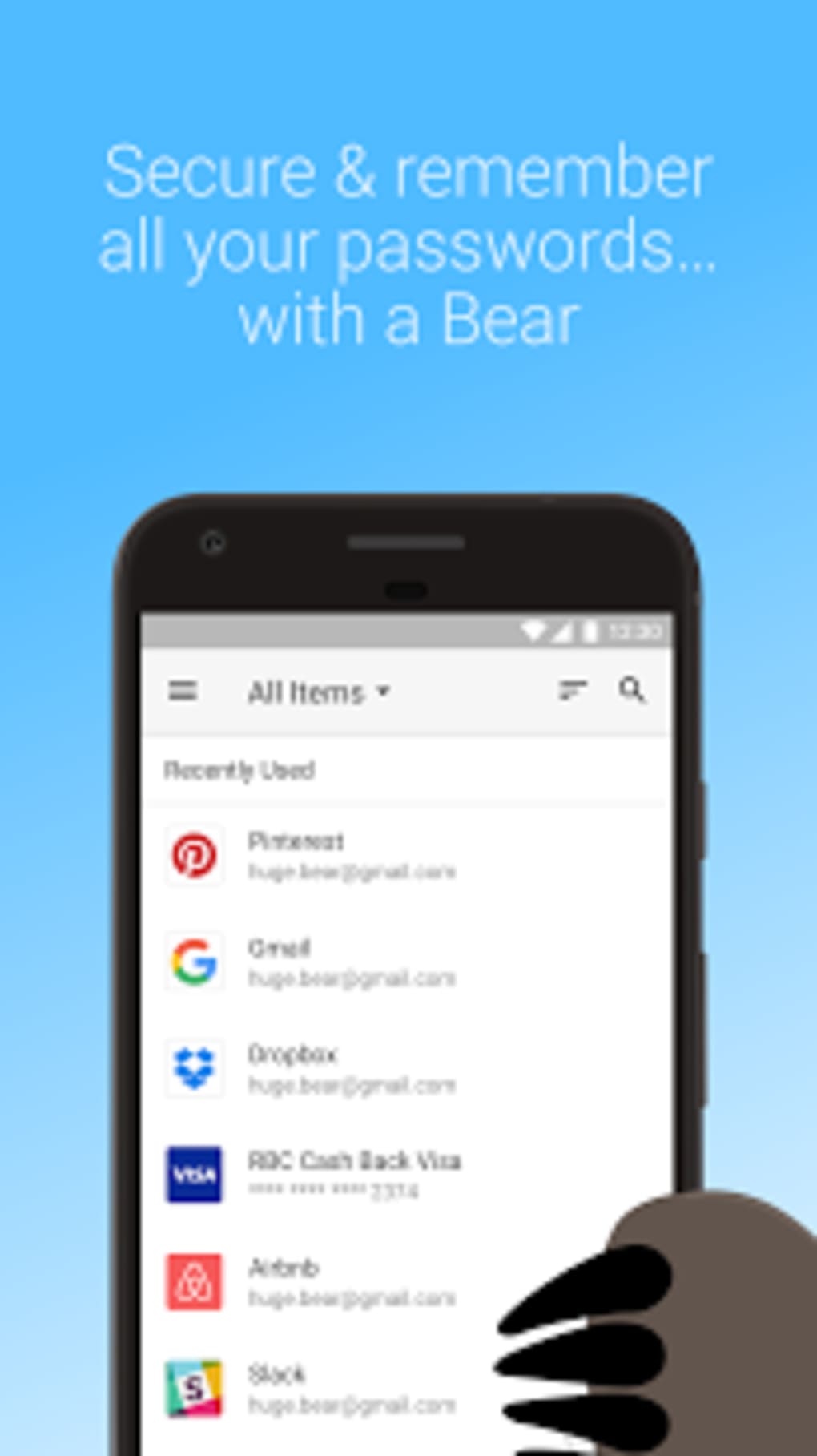
RememBear features a clean, intuitive interface designed for ease of use across mobile and browser environments. Navigation is streamlined, with clearly labeled sections for viewing, adding, and editing saved credentials. The workflow is optimized for speed—users can access their password vault with minimal steps, and the auto-fill function integrates smoothly with supported web browsers.
While exact performance metrics were not specified, the application’s design suggests efficient operation under normal usage conditions. The developer did not specify resource usage details, such as CPU or RAM consumption, so real-world performance may vary depending on device capabilities. Stability is implied by the use of proven security protocols and third-party validation, though no official reports on crash rates or uptime were provided.
General software behavior patterns indicate that the application maintains responsiveness during routine operations. Users can expect consistent performance when adding new entries, generating passwords, or accessing stored data. However, actual performance may be influenced by network speed, especially during synchronization across devices.
Compatibility & System Requirements
RememBear is available for Android and iOS devices, with dedicated applications for both platforms. It also supports integration with Chrome and Firefox browsers, allowing users to access their password vault directly from desktop web environments. The software is not available for Windows or Mac, limiting its accessibility to users of non-mobile operating systems.
Installation size and specific hardware requirements were not provided. The developer did not specify exact system requirements, including minimum RAM, processor speed, or storage space. Compatibility information is limited to the platforms mentioned: Android, iOS, Chrome, and Firefox. Users should ensure their devices meet standard app installation requirements for their respective operating systems.
For users seeking a desktop solution, alternative software may be necessary. The lack of Windows and Mac support is a notable limitation for users who rely on PC-based workflows.
Pros and Cons
Pros
- Free to download and use with no hidden costs
- 256-bit encryption ensures high-level data protection
- Supports master password and two-factor authentication
- Auto-fill functionality improves login efficiency
- Available on Android, iOS, Chrome, and Firefox
- Includes a built-in password generator for secure credentials
Cons
- Not available for Windows or Mac operating systems
- Exact system requirements and performance data were not disclosed
- Cloud-based model requires internet access for synchronization
- Limited to mobile and browser platforms
- No information on backup or recovery options
FAQ Section
Is RememBear available for Windows or Mac?
RememBear is not available for Windows or Mac. The software is currently supported only on Android, iOS, Chrome, and Firefox.
Is RememBear safe to use?
Yes, RememBear uses 256-bit encryption and supports two-factor authentication. It has been tested by independent third parties, which supports its security claims. However, users should always follow best practices, such as choosing a strong master password.
Can I use RememBear offline?
While the application can be accessed on devices with cached data, full functionality—especially synchronization—requires an internet connection. Offline use is limited to previously loaded information.
Does RememBear offer automatic updates?
Automatic updates are managed through the respective app stores (Google Play and Apple App Store) and browser extensions. Users are encouraged to keep the app updated for optimal security and performance.
Is there a license type for RememBear?
RememBear is available for free download and use. No license is required, and the software does not impose subscription fees or premium tiers.
Final Thoughts
RememBear offers a solid, no-cost solution for managing passwords on mobile and browser platforms. Its emphasis on encryption, multi-factor authentication, and cross-device access makes it a reliable tool for users who prioritize security and convenience. While the lack of Windows and Mac support is a significant drawback for desktop users, those on Android or iOS will find the app functional and well-designed.
For individuals managing multiple online accounts, RememBear simplifies password management with intuitive features like auto-fill and a built-in generator. The free model, combined with strong security protocols, positions it as a competitive option in the password manager space.
Download RememBear now to secure your digital life with a trusted, centralized password vault.






.png)
